Open-weight LLMs put to the test
Local benchmarks for models running in LM Studio on a MacBook Pro M4 Max (128 GB). Six categories, each with visible results — not just numbers.
Why a MacBook Pro can run 100 B-parameter models — unified memory & bandwidth
Apple Silicon uses a unified memory architecture: CPU, GPU and Neural Engine all share the same physical RAM pool over a single high-bandwidth fabric. There is no separate VRAM, no PCIe bottleneck, no copy step from system RAM to GPU memory before inference. Every byte the GPU needs to read a weight tensor is already addressable in place — which is why a 128 GB Mac can hold and run a model that would normally require a workstation GPU with 80 GB+ of VRAM.
For LLM inference, throughput is dominated by how fast you can stream the weights past the compute units. That makes memory bandwidth, not raw FLOPS, the limiting factor on a Mac. The M4 Max ships with up to 546 GB/s of unified memory bandwidth (the binned 14-core variant tops out at 410 GB/s).
| Memory | Typical bandwidth | vs. M4 Max |
|---|---|---|
| M4 Max unified memory | 546 GB/s | 1.0× |
| Desktop DDR5-6400, dual-channel | ~102 GB/s | ~5× slower |
| Desktop DDR4-3200, dual-channel | ~51 GB/s | ~10× slower |
Sources: Apple newsroom — M4 Pro & M4 Max, DDR5 SDRAM (Wikipedia), Kingston DDR5 overview. Desktop figures are for two-DIMM consumer setups; servers with quad/octo-channel reach much higher.

Coding
63 modelsSingle-shot code generation (Kanban board as an HTML file). Measures how fast and how functionally models solve a concrete UI task. Hovering over a model row shows a screenshot of the rendered app.

Vision
34 modelsOCR for vision-capable models: four sub-tasks — handwritten meeting notes in three difficulty tiers (easy / medium / hard) plus an old book page set in Fraktur typeface.
Needle in a Haystack
59 modelsThree sub-benchmarks in one chat (prefill only once): corpus summary · needle retrieval (10 hidden facts in 120k tokens — uniform across all models) · 6 comprehension questions about the book (4 factual answers + 2 hallucination traps).

Tool Use
63 modelsSeven OpenAI-style function-calling scenarios across three difficulty tiers (easy / medium / hard). Toolset: list_files, read_file, apply_diff, get_weather. The model must pick tools, supply correct arguments, chain multiple calls and synthesise a final answer.
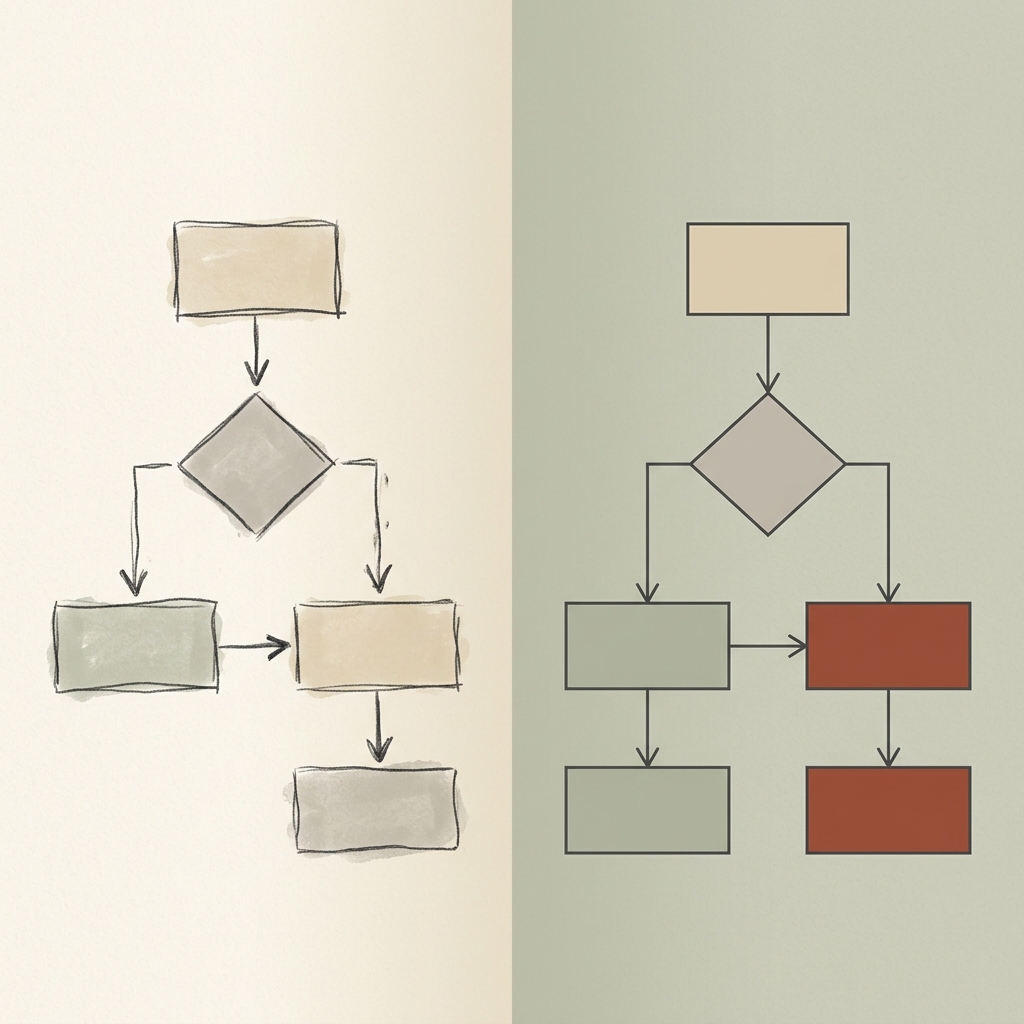
Diagram → SVG
34 modelsPhoto of a hand-drawn diagram (architecture, flowchart, sequence, quadrant) → model emits inline SVG. Original and render sit side-by-side; an LLM judge rates visual fidelity.

Hallucination
62 models12 questions with subtle but factually false premises. Does the model invent an answer, say 'I don't know', or correct the premise?
Overall summary across all models
Score 0–100 % per benchmark. Overall = weighted mean: Coding counts double, Tool Use half. Missing or errored tasks are imputed at the model's own average minus 10 pp (clamped at 0) with full weight — a gap never inflates the overall score, but the penalty isn't a flat zero either. RAM = on-disk size of the model (Q4 file). Wall = cumulative bench time across all tasks. The cumulative-vs-score scatter only shows models that completed every benchmark, so the comparison stays apples-to-apples; the table below includes everyone.
Cumulative wall-time vs. overall score
| Model | Quant | Overall | RAM | Wall total | Coding | Vision | Needle in a Haystack | Tool Use | Diagram → SVG | Hallucination |
|---|---|---|---|---|---|---|---|---|---|---|
| gemma-4-31b | gguf 4bit | 92% | 18.5 GB | 2983 s | 88% | 93% | 100% | 100% | 84% | 96% |
| qwen3.6-27b | gguf 4bit | 91% | 16.3 GB | 3358 s | 89% | 98% | 97% | 100% | 91% | 75% |
| muse-glimmer | gguf | 90% | 16.9 GB | 4285 s | 84% | 96% | 96% | 100% | 92% | 83% |
| gemma-4-26b-a4b | gguf 8bit | 86% | 26.1 GB | 814 s | 86% | 74% | — | 100% | 87% | 100% |
| qwen3.6-35b-a3b | gguf 4bit | 86% | 20.6 GB | 987 s | 93% | 75% | 96% | 95% | 80% | 75% |
| ornith-1.0-35b | gguf 4bit | 86% | 19.7 GB | 706 s | 89% | — | 98% | 100% | — | 75% |
| qwen3.6-35b-a3b | gguf 8bit | 86% | 35.2 GB | 762 s | 87% | 97% | — | 100% | 84% | 75% |
| gemma-4-31b-qat | gguf 4bit | 84% | 17.6 GB | 3037 s | 81% | 93% | 96% | 100% | 50% | 92% |
| qwen3-coder-next | mlx 4bit | 83% | 45.3 GB | 371 s | 87% | — | 97% | 98% | — | 67% |
| laguna-s-2.1 | gguf 4bit | 81% | 66.3 GB | 1914 s | 86% | — | 97% | 100% | — | 58% |
| qwen3.5-122b-a10b | gguf 4bit | 81% | 70.0 GB | 2672 s | 80% | 97% | — | 100% | 60% | 88% |
| glm-4.5-air-mlx | mlx 4bit | 80% | 56.0 GB | 661 s | 86% | — | — | 100% | — | 75% |
| devstral-small-2-2512 | mlx 4bit | 80% | 13.2 GB | 1435 s | 81% | 89% | 99% | 89% | 50% | 75% |
| qwen3.5-27b-claude-4.6-opus-distilled-mlx | mlx 4bit | 80% | 14.1 GB | 2347 s | 85% | — | — | 100% | — | 75% |
| qwen3.5-35b-a3b | gguf 4bit | 79% | 20.6 GB | 1016 s | 62% | 78% | 88% | 96% | 87% | 92% |
| seed-oss-36b | mlx 4bit | 79% | 19.0 GB | 3657 s | 83% | — | 99% | 76% | — | 67% |
| qwen3.5-9b | gguf 8bit | 78% | 9.7 GB | 1371 s | 70% | 97% | — | 69% | 81% | 83% |
| gpt-oss-120b | gguf 4bit | 77% | 59.0 GB | 527 s | 69% | — | 83% | 92% | — | 92% |
| qwen3-vl-8b | mlx 4bit | 76% | 5.4 GB | 2249 s | error | 92% | 85% | 96% | 75% | 58% |
| ornith-1.0-9b | gguf 4bit | 75% | 5.2 GB | 630 s | 67% | — | 92% | 100% | — | 75% |
| gemma-4-26b-a4b | gguf 4bit | 74% | 16.8 GB | 851 s | 46% | 71% | 90% | 98% | 82% | 100% |
| glm-4.7-flash | mlx 4bit | 74% | 16.9 GB | 367 s | 78% | — | — | 98% | — | 71% |
| nemotron-3-super | gguf 4bit | 73% | 80.1 GB | 1672 s | 63% | — | 97% | 89% | — | 75% |
| qwen3-vl-30b | mlx 4bit | 72% | 17.0 GB | 1493 s | 60% | 92% | 97% | 96% | 46% | 67% |
| qwen3.5-9b | gguf 4bit | 69% | 6.1 GB | 1897 s | 45% | 96% | 86% | 70% | 82% | 62% |
| gemma-4-e4b | gguf 4bit | 69% | 5.9 GB | 610 s | 65% | 83% | 96% | 100% | 22% | 71% |
| gemma-4-e4b | gguf 8bit | 69% | 8.4 GB | 495 s | 46% | 85% | — | 100% | 74% | 88% |
| qwen3.5-9b-mlx | mlx 4bit | 68% | 5.6 GB | 1400 s | 61% | 71% | 63% | 82% | 75% | 71% |
| gpt-oss-20b | mlx 4bit | 68% | 11.3 GB | 629 s | 52% | — | 92% | 98% | — | 75% |
| glm-4.7-flash | mlx 8bit | 68% | 29.7 GB | 1118 s | error | — | — | 94% | — | 67% |
| gemma-4-e2b | gguf 8bit | 68% | 5.5 GB | 284 s | 73% | 63% | — | 100% | 59% | 62% |
| gemma-3-12b | mlx 4bit | 68% | 7.5 GB | 559 s | 51% | 77% | 86% | 98% | 61% | 67% |
| gemma-4-26b-a4b-qat | mlx 4bit | 68% | 14.6 GB | 1105 s | 79% | 45% | 68% | 100% | 27% | 92% |
| gemma-3-27b | mlx 4bit | 66% | 15.7 GB | 1153 s | 42% | 86% | 88% | 100% | 57% | 67% |
| gemma-4-e2b | gguf 4bit | 64% | 4.1 GB | 373 s | 61% | 55% | 76% | 100% | 55% | 58% |
| llama-3.3-70b | gguf 4bit | 64% | 39.6 GB | 512 s | 66% | — | — | 50% | — | 83% |
| qwen3-coder-30b | mlx 4bit | 63% | 16.0 GB | 646 s | 78% | — | — | 95% | — | 33% |
| glm-4.6v-flash | mlx 4bit | 62% | 6.6 GB | 2083 s | error | 91% | — | 86% | 47% | 54% |
| qwen3-30b-a3b-2507 | mlx 4bit | 62% | 16.0 GB | 496 s | 38% | — | 94% | 94% | — | 75% |
| qwen2.5-coder-32b | mlx 4bit | 60% | 17.2 GB | 370 s | 60% | — | — | 98% | — | 58% |
| gemma-4-12b-qat | gguf 4bit | 60% | 6.7 GB | 1859 s | 71% | 24% | 79% | 98% | 26% | 71% |
| qwen3.5-4b | gguf 4bit | 59% | 3.2 GB | 1187 s | 40% | 70% | 87% | 75% | 49% | 62% |
| qwen3-8b | mlx 4bit | 57% | 4.3 GB | 445 s | 39% | — | 74% | 100% | — | 67% |
| olmo-3-32b-think | mlx 4bit | 56% | 16.9 GB | 3526 s | 50% | — | 91% | 55% | — | 50% |
| ministral-3-14b-reasoning | gguf 4bit | 56% | 8.5 GB | 1457 s | 22% | 92% | 77%prelim. | 82% | 49% | 58% |
| qwen3-4b-2507 | mlx 4bit | 56% | 2.1 GB | 355 s | 39% | — | 84% | 89% | — | 58% |
| qwen3.5-2b | gguf 4bit | 53% | 1.8 GB | 415 s | 59% | 93% | 65% | 75% | 0%prelim. | 33% |
| nemotron-3-nano | mlx 4bit | 53% | 16.6 GB | 621 s | 35% | — | 69% | 96% | — | 67% |
| nemotron-3-nano-omni | gguf 4bit | 51% | 24.3 GB | 1284 s | 38% | 27% | 58% | 100% | 46% | 75% |
| nemotron-3-nano-omni | gguf 8bit | 50% | 32.8 GB | 998 s | 39% | 28% | — | 89% | 64% | 67% |
| gemma-3-4b | mlx 4bit | 47% | 2.8 GB | 186 s | 50% | 65% | 54% | 61% | 41% | 17% |
| granite-4-h-tiny | gguf 4bit | 47% | 3.9 GB | 134 s | 32% | — | 62% | 89% | — | 54% |
| qwen3-4b-thinking-2507 | mlx 4bit | 46% | 2.1 GB | 686 s | 33% | — | — | 89% | — | 67% |
| mellum2-12b-a2.5b-thinking | gguf 4bit | 45% | 7.5 GB | 440 s | 41% | — | 44% | 89% | — | 46% |
| ouro-2.6b | mlx 4bit | 42% | — | 900 s | error | — | — | — | — | 50% |
| nemotron-3-nano-4b | gguf 4bit | 40% | 2.6 GB | 373 s | 30% | — | 38% | 89% | — | 50% |
| qwen2.5-coder-14b | mlx 4bit | 36% | 7.8 GB | 136 s | 36% | — | — | 96% | — | 21% |
| phi-4-reasoning-plus | mlx 4bit | 35% | 7.7 GB | 1305 s | 52% | — | — | 0% | — | — |
| gemma-3n-e4b | mlx 4bit | 33% | 5.5 GB | 266 s | 11% | 72% | — | 51% | 21% | 50% |
| lfm2-24b-a2b | mlx 4bit | 23% | 12.5 GB | 353 s | 29% | — | 10% | 48% | — | 25% |
| gemma-4-31b | gguf 8bit | 18% | — | 900 s | error | 0% | — | — | — | 50% |
| qwen3.6-27b | gguf 8bit | 18% | — | 900 s | error | 0% | — | — | — | 50% |
| lfm2.5-1.2b | mlx 8bit | 6% | 1.2 GB | 64 s | 7% | — | 10% | 5% | — | 12% |
Click a row to open the model detail page. Columns are sortable. The filter above hides table rows and dims the corresponding dots in the chart.